
Start with your daily operating problems
Most pumps first look for software because daily work is spread across registers, spreadsheets, WhatsApp messages, and verbal updates. Before comparing features, write down the problems that cost time or create risk: unclear cash handover, delayed customer billing, missing coupon control, stock variation, pending collections, or reports that take too long to prepare.
- Can the system capture shift-wise sales, expenses, card sales, and cash in hand?
- Can owners see important numbers without waiting for end-of-day calls?
- Can credit customers, vehicles, coupons, invoices, and payments be connected?
- Can fuel purchases, density checks, tanks, nozzles, and products be tracked together?
Look beyond basic billing
Generic billing software may create invoices, but petrol pumps need operational control. A good pump system should understand nozzles, tanks, fuel types, shifts, employees, coupons, outstanding balances, stock, purchases, density readings, and reports. If these areas are not connected, staff still need manual registers and duplicate data entry.
Check staff and permission control
Petrol pumps usually have owners, managers, cashiers, forecourt employees, auditors, tanker staff, and sometimes customer users. Software should let each role see only the screens they need. This reduces accidental changes and makes mobile access safer.
- Owner or admin access for setup, reports, and approvals.
- Manager access for shifts, check-in, readings, and daily review.
- Employee access for assigned shift and task workflows.
- Customer access for coupons or account visibility where needed.
Make reporting a deciding factor
The real value of software appears when reports become easier. Daily sales, stock, attendance, fuel sales, profit, customer outstanding, invoice history, and shift readings should be available without building spreadsheets every night.
Software comparison checklist
How Petrodweep fits this need
- Petrodweep connects billing, shifts, credit customers, coupons, stock, staff, reports, and mobile workflows in one platform.
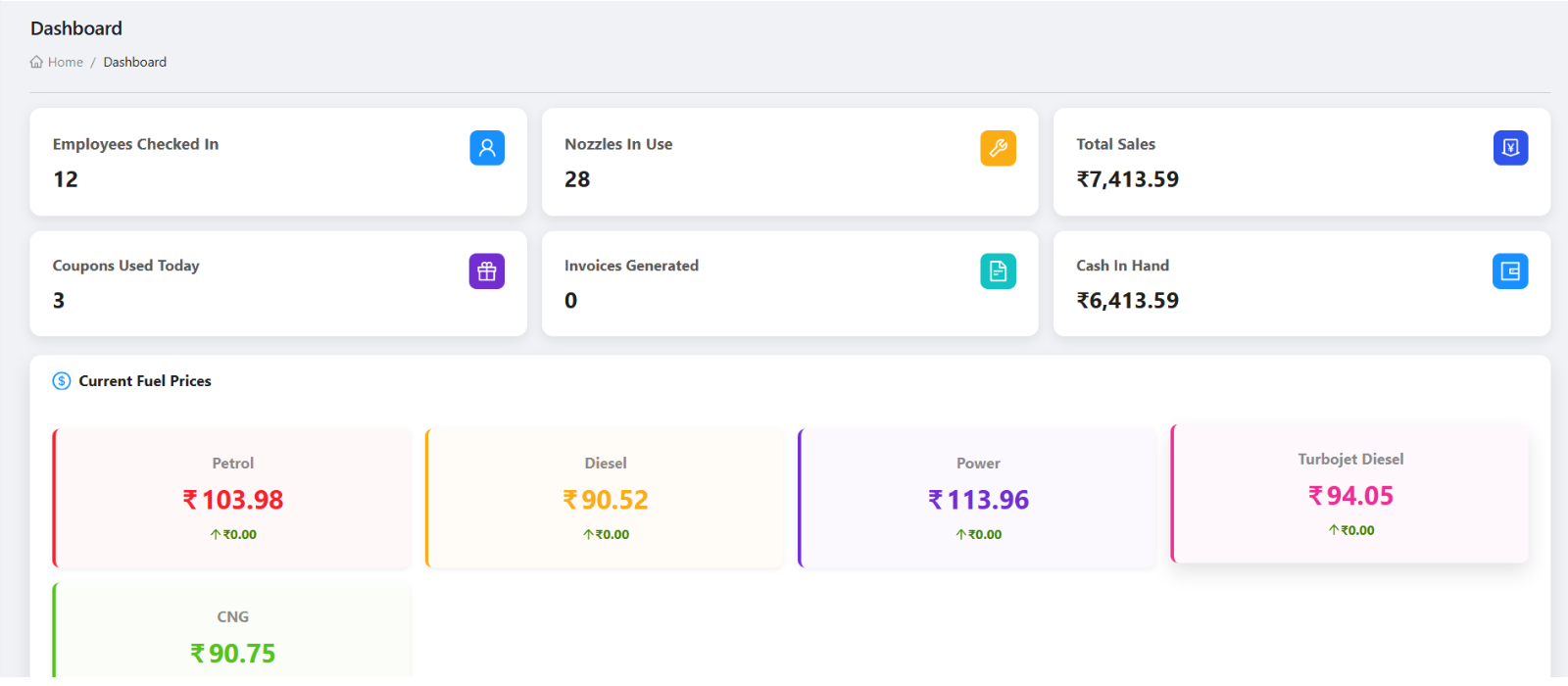
- Owners can use the web dashboard for deeper review and the mobile app for quick operational visibility.
- Role-based access helps each user work with the screens relevant to their responsibility.
Frequently asked questions
Is petrol pump software different from normal billing software?
Yes. Petrol pumps need workflows for shifts, nozzles, tanks, credit customers, coupons, fuel purchases, density checks, daily sales, and cash settlement. Normal billing software usually does not cover these operational details.
Should a petrol pump choose cloud software?
Cloud software is useful when owners want access from multiple devices, remote monitoring, central data, and safer backup compared with one office computer. The decision should also consider internet availability and support.
What should I prepare before taking a demo?
Prepare your current shift format, customer billing process, credit customer list, nozzle and tank setup, reporting needs, and the main problems you want the software to solve.