
Feature checklist for pump owners

Petrol Pump Management System Features Checklist

A practical checklist of petrol pump management system features owners should compare before selecting software.

Owner Guides Software Selection 9 min read
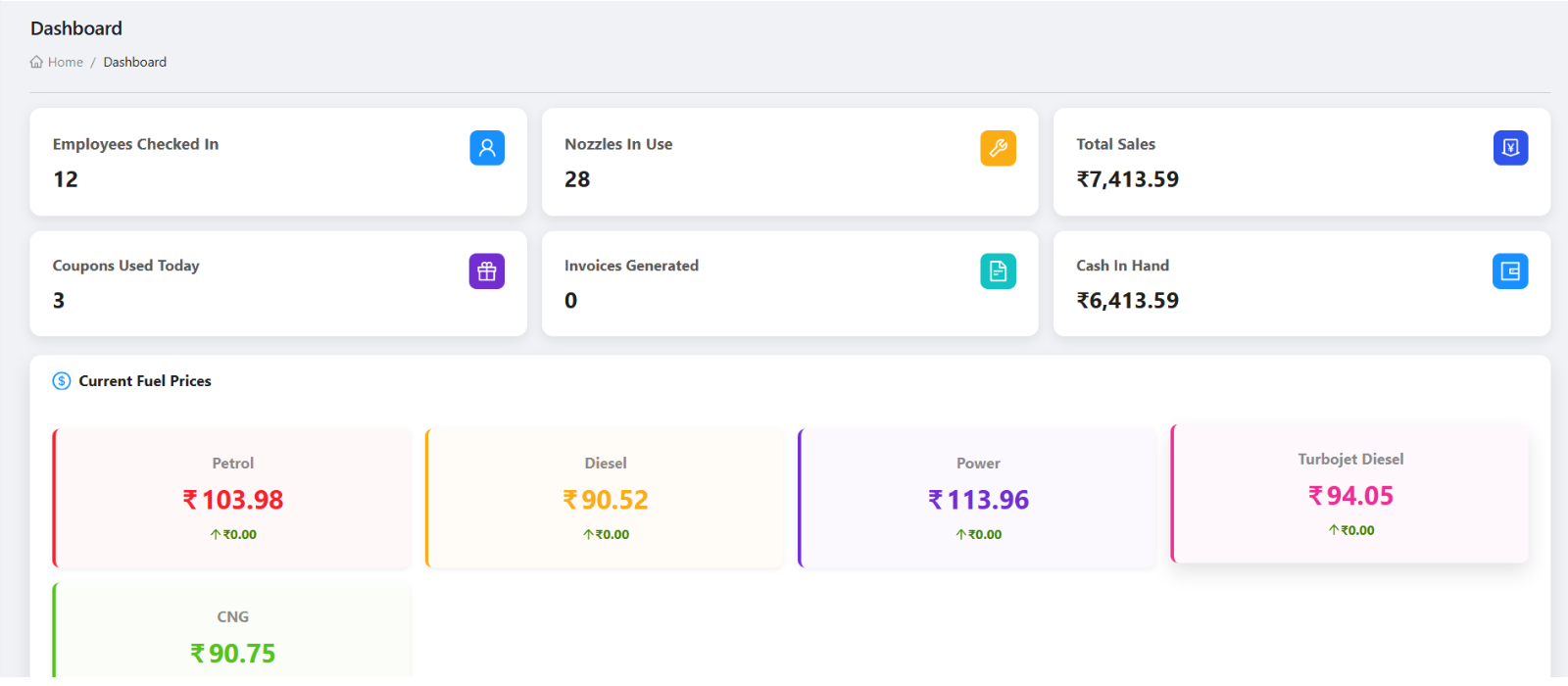
Petrodweep feature checklist for petrol pump management
A useful feature checklist should follow real pump workflows, not only generic software modules.

A petrol pump management system should be compared against daily operating needs. The right checklist covers setup, shifts, nozzles, customer credit, coupons, invoices, payments, purchases, density, stock, staff, reports, mobile app, and permissions.

Core

Shifts, billing, customers

Control

Stock, density, reports

Access

Mobile and permissions

Start with daily operations

Shift check-in, nozzle readings, DSR, daily operations, cash handover, expenses, and product sales are core because they affect every day of pump work.

Check credit and billing workflows

Customer records, vehicles, coupons, invoices, payment history, outstanding balances, invoice PDF, and email sharing should work as one billing chain.

Include stock, reports, and access

Fuel purchase, density, inventory, reports, user roles, mobile app access, and task management are important for owner control beyond simple billing.

Feature comparison checklist

Dashboard and owner review
Shift check-in, readings, DSR, and closing
Credit customers, vehicles, coupons, and invoices
Payments, bills, vouchers, and outstanding balances
Fuel purchase, density, stock, and inventory
Reports, exports, and mobile sharing
Users, roles, permissions, and audit controls
Mobile app for owners, managers, and staff
Task manager and scheduled tasks

How Petrodweep maps to this checklist

  • Petrodweep includes web and mobile documentation for each major feature area so owners can review the actual workflows.
  • The connected workflow guides show how features work together across setup, daily operations, billing, stock, reports, and tasks.
  • The demo questions guide helps owners validate these features before making a decision.

Frequently asked questions

Should every feature become a separate SEO page?

No. Small features should be explained inside workflow or documentation pages unless they represent a distinct owner search intent.

What feature matters most first?

For most pumps, shift control, customer billing, stock review, reports, and owner visibility matter before advanced features.

How should I use this checklist in a demo?

Ask the vendor to show each workflow with real examples instead of only confirming that the feature exists.

Related resources

Software Selection

Best Petrol Pump Software

A practical guide for Indian petrol pump owners comparing petrol pump management software for billing, shifts, credit customers, inventory, reports, and mobile access.

Read next

Software Selection

Demo Questions

A practical petrol pump software demo checklist covering shift, billing, customer, inventory, mobile, reports, pricing, support, and implementation questions.

Read next

Software Cost

Software Price

Understand what affects petrol pump software pricing in India, including modules, users, mobile app access, setup, support, reports, and implementation scope.

Read next

Connected Setup Workflows

First Week Setup

A practical first-week implementation workflow showing how petrol pump owners should use the Petrodweep web dashboard and mobile app together for setup, users, master data, shifts, and first live checks.

Read next

Ready to move your petrol pump workflows into Petrodweep?

Talk to our team about your current registers, reporting process, credit customer workflow, and staff roles. We will show the relevant Petrodweep flow in a demo.