
Record the purchase clearly
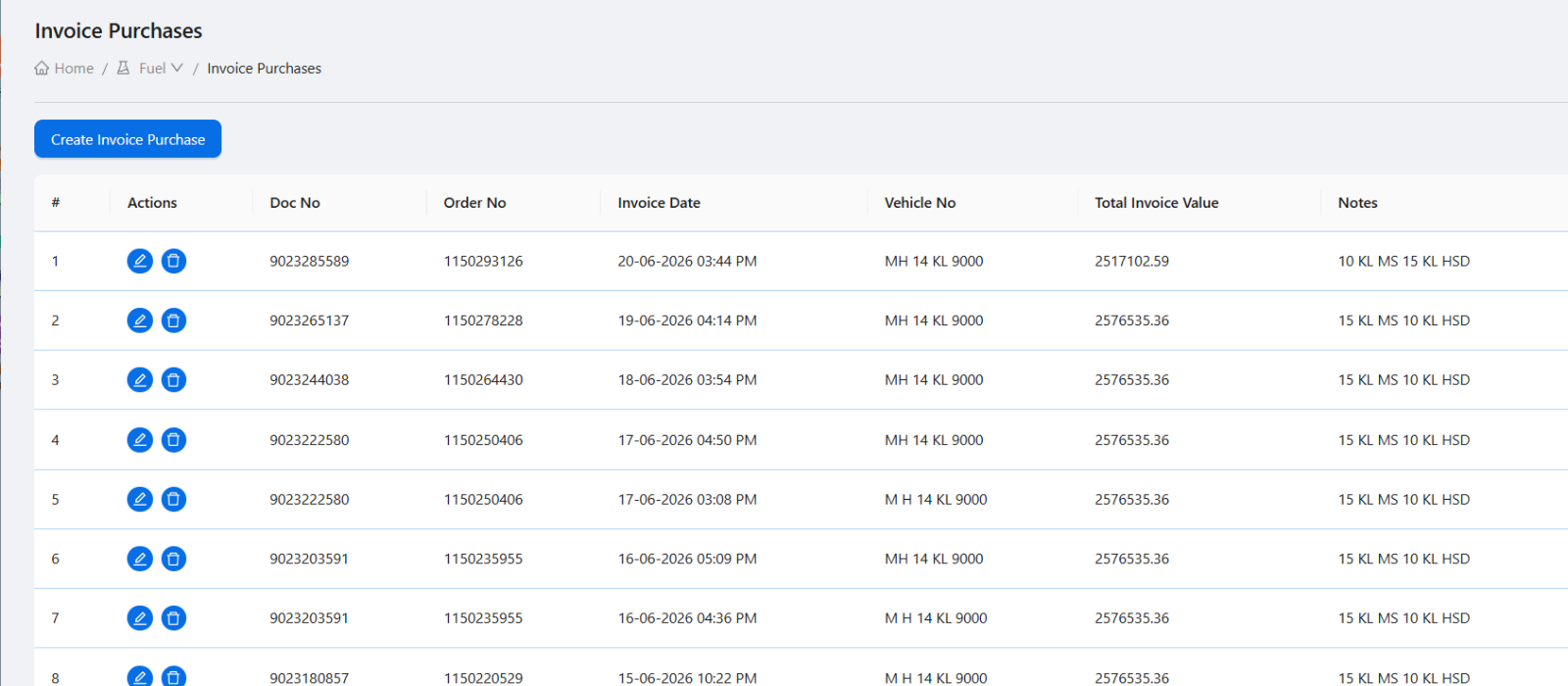
A fuel purchase record should capture purchase date, tanker, supplier or invoice context, fuel type, quantity, rate, and line item totals. This gives the owner a reliable record of what entered the pump.
Capture dip and receipt details
Dip rows help connect physical receipt and tank-level stock checks. When purchase entries and dip data live together, it becomes easier to review differences later.
Use density sections and samples
Density tracking may require multiple sections, compartments, samples, and final readings. A mobile workflow is useful because the team can record readings near the tanker instead of waiting to enter them at the office.
- Tanker and fuel type context.
- Sections and compartments.
- Multiple sample rows.
- Final reading values.
- Report images or documents.
Keep reports attached to the record
Report images or files are more useful when attached to the density check. This helps managers and owners review supporting evidence with the purchase and density details.
Fuel purchase and density checklist
How Petrodweep handles this workflow
- Petrodweep includes fuel purchase creation, tanker records, density check lists, and a tanker unloading density workflow.
- The mobile app supports sections, compartments, samples, final readings, and test report uploads.
- Linked records reduce the need to maintain purchase and density details in separate registers.
Frequently asked questions
Why should density be tracked with fuel purchase?
Because tanker receipt, stock movement, and fuel quality review are connected. Keeping density data with purchase context makes later review easier.
Can density reports be uploaded from mobile?
Yes, Petrodweep's mobile workflow is designed to attach report files or images to density records.
Should every pump record tanker details separately?
A tanker master is useful when the same tankers are used repeatedly. It improves consistency across fuel purchase and density records.